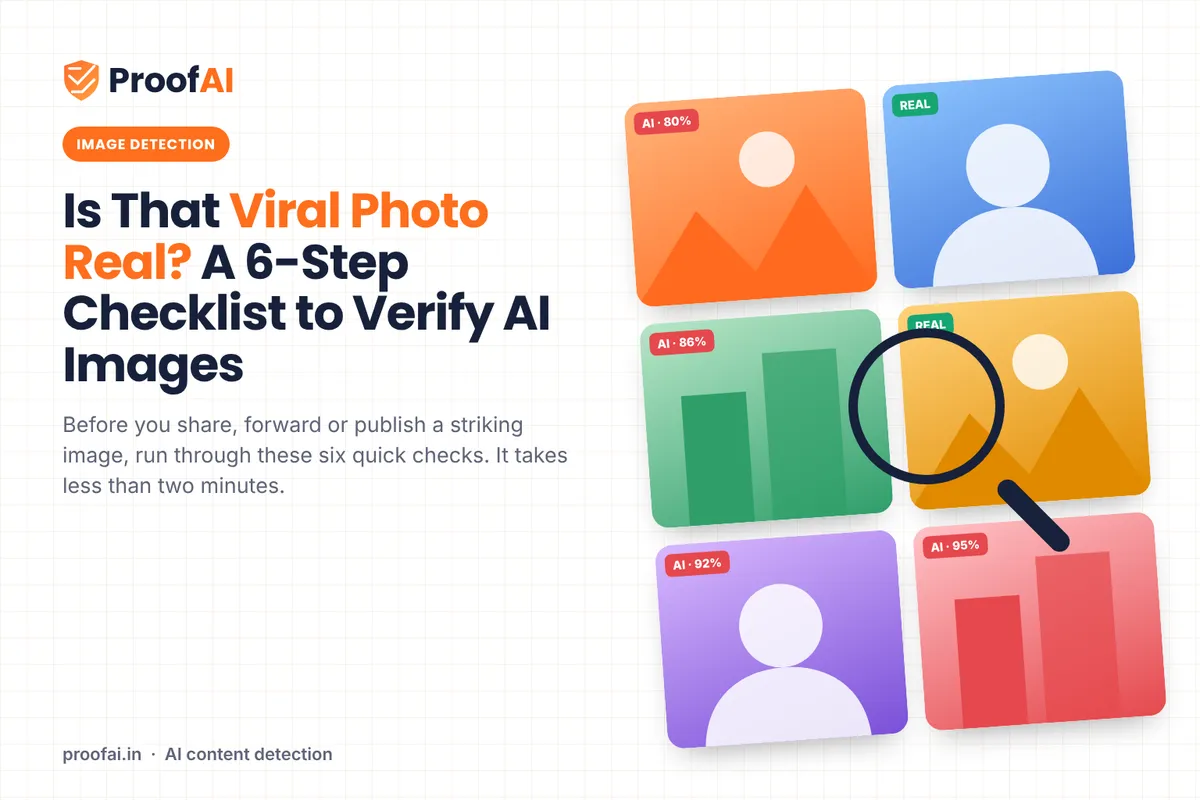
How to Check if an Image Is AI-Generated: 6 Steps
A practical 6-step checklist to check whether a viral photo is AI-generated: source, details, light, labels, detectors and context.
A dramatic photo lands in your family WhatsApp group or your team's Slack channel. It might be real. It might have been generated in seconds. Before you forward it, a few checks can tell you a lot.
Why your eyes are not enough
Research suggests people are poor at spotting AI-generated faces. In a study published in PNAS by Sophie Nightingale and Hany Farid, participants identified real and AI-generated faces with about 48.2% accuracy, roughly a coin toss. Even after training, accuracy rose only to about 59%. Participants also rated the synthetic faces as slightly more trustworthy than real ones.
Try it: use ProofAI's AI photo detector, free for 10 checks a day with no login.
Speed makes it worse. An MIT study of about 126,000 news cascades on Twitter between 2006 and 2017 found that true stories took about six times as long as false ones to reach 1,500 people. False stories were about 70% more likely to be retweeted.
So the useful habit is not "trust your eyes". It is to run a short, repeatable check.
The six-step checklist
1. Find the source
Run a reverse image search with Google Lens, Bing Visual Search or TinEye. Look for the earliest copy you can find.
Want to check your own content? Try ProofAI free 10 checks a day, no login needed.
- A credited photographer at a known news organisation is a good sign.
- An anonymous account, a meme page or an image that first appeared hours ago with no context is a reason for caution.
- If older copies show a different place or date, the image may be real but misused.
2. Zoom into the details
AI generators have improved, but they still slip on fine detail. Check:
- hands, fingers, ears, teeth and eyes
- earrings, glasses and jewellery that do not match on both sides
- text on signs, shirts and number plates, which is often garbled
- backgrounds where people, railings or windows blur into each other
The FBI gives a similar list for spotting fake images used in fraud: distorted hands or feet, unrealistic teeth or eyes, and inaccurate shadows.
Also read: EU AI Act Article 50: AI Transparency Rules Explained
3. Check light and shadows
In a real photo, shadows fall consistently away from the light source. Look for shadows pointing in different directions, reflections that are missing from mirrors or water, or lighting that looks too perfect for the scene.
4. Look for labels and Content Credentials
Some platforms and tools now attach provenance information.
- Platform labels. Meta says it labels images on Facebook, Instagram and Threads when it detects industry-standard C2PA or IPTC signals that the image was AI-generated.
- Content Credentials. The C2PA standard attaches signed data that can record how an image was made and edited. You can check it with a Content Credentials verify tool.
- Google's SynthID. In the Gemini app, you can upload an image and ask whether it was made with Google AI. Google notes this only recognises content from Google's own AI tools.
- India. Since February 2026, India's amended IT Rules require intermediaries to prominently label permitted synthetic images and to embed metadata where technically feasible (MeitY consolidated text).
A missing label proves nothing. Meta itself says it is not yet possible to identify all AI-generated content, invisible markers can be removed, and C2PA notes that credentials can be separated from a file. A screenshot or re-upload often strips them.
5. Run an AI image detector
A detector looks for statistical patterns that generators leave behind, many of which are invisible to the eye. It gives a probability, not a verdict. Use it alongside the other steps:
- High score, weak source: do not share.
- Low score, strong source: more confidence, but still check the context.
- Mixed signals: wait.
Detectors can be wrong in both directions, especially on heavily compressed images, screenshots and edited real photos.
6. Ask: does it make sense?
- Are trusted news organisations reporting the same event?
- Does the weather, signage, clothing or season match the claimed place and date?
- Is it appearing at a sensitive moment, such as an election, a riot or a natural disaster?
If a big story has no credible coverage at all, wait before forwarding it.
Real photo or AI image: common tendencies
These are tendencies, not rules.
| Real photos often have | AI images often have |
|---|---|
| Natural noise and slight blur | Very smooth, polished skin and surfaces |
| Readable, consistent text | Warped or nonsense lettering |
| Consistent shadows | Shadows that disagree with each other |
| Imperfect, cluttered backgrounds | Backgrounds that melt or repeat |
| A traceable source | No earlier copies anywhere |
Who should make this a habit
- Journalists and fact-checkers, before publishing user-submitted images
- Social media and brand teams, before resharing
- HR and trust and safety teams, when profile photos or ID images look suspicious
- Teachers and parents, who can teach these steps to students
- Anyone in a busy family or community group
If you shared a fake
Delete it, post a short correction in the same place, and tell the people who reshared it. A quick correction is more useful than silence.
Check before you share
ProofAI's AI image detector checks JPG, PNG and WebP images up to 25 MB, with 10 free checks a day and no account needed, or 25 with a free account. ProofAI returns a probability, not proof, so use it as step 5 of this checklist, not as a replacement for the others.
Sources
- Scientific American, Humans find AI-generated faces more trustworthy than the real thing (reporting on Nightingale and Farid, PNAS)
- MIT News, Study: On Twitter, false news travels faster than true stories (8 March 2018; Vosoughi, Roy and Aral, Science)
- FBI Internet Crime Complaint Center, Criminals Use Generative Artificial Intelligence to Facilitate Financial Fraud (3 December 2024)
- Meta, Labeling AI-Generated Images on Facebook, Instagram and Threads (6 February 2024, updated 1 April 2025)
- C2PA, Content Credentials overview
- Google, Verify Google AI-generated images and videos with SynthID
- MeitY, IT (Intermediary Guidelines and Digital Media Ethics Code) Rules, 2021, updated as on 10.02.2026
Written and reviewed by the 4Born Content Writer Team. AI tools assisted with drafting; every statistic above links to its source.
Published by
AI tools may assist with drafting; a team member checks and approves every article before it is published. How we write and correct articles.
Popular AI detection tools
Ready to Verify Your Content?
Get weekly insights on AI detection. Start your journey toward digital authenticity with our AI detection tools.