AI Detector Tool —
Check Text, PDFs & Images for AI
One free AI checker tool for everything: paste text, or upload a PDF, Word file or image, and see how likely it is to be AI-generated. 10 free checks a day without login, 25 with a free account. Video detection is coming soon.
AI Verification Workspace
Analysis Summary
Forensic verification overview
How to Read This Result
Paste or upload your content and click verify. You will see an AI probability and a category.
Built for Accurate & Privacy-Focused Verification
Multi-model pattern analysis, with clear rules on what we keep: a record of each check, never your content.
Advanced Multi-Model Analysis
ProofAI combines multiple AI analysis systems to improve detection reliability across text, documents and images.
Content Not Saved
Your content is used only to produce your result and is not saved by ProofAI. It is sent to the AI model providers in our privacy policy for analysis; only the score is kept.
Transparent Reporting
Receive confidence-based verification results designed to support informed review workflows.
Which detector should you use?
Every tool shares the same daily quota: 10 checks without an account, 25 with a free account.
AI text detector
For essays, articles, answers and messages. Paste at least 50 words and see sentence-level highlights. Open the text detector.
AI document detector
For PDF, DOCX, DOC and TXT files up to 25 MB, with no copy-pasting. Open the document detector or the PDF AI checker.
AI image detector
For photos, artwork and profile pictures (JPG, PNG, WebP). Also flags signs of editing for some images. Open the image detector.
Readability Rewriter
For rewriting your own drafts for clarity and tone — not for hiding AI use. Open the Readability Rewriter.
Video detection
Coming soon. Until then, check key frames as images. See our deepfake guide.
Developer API
Add AI text detection to your platform with domain-restricted keys. See the API platform.
Pick a tool by task
| I want to… | Use |
|---|---|
| Check a student essay or assignment | AI essay checker or document detector |
| Check a resume or cover letter | AI resume detector |
| Check if text came from ChatGPT | ChatGPT checker |
| Check a PDF without copying text | PDF AI checker |
| Check if a photo is real | AI image detector |
| Spot a possible deepfake | Deepfake guide |
| Compare ProofAI with other tools | Compare AI detectors |
How results work across tools
Each tool returns an AI probability and a human probability with a verdict. Text and document checks can also highlight individual sentences, and image checks can indicate signs of editing. Results are probabilities, not proof: read our methodology and limitations before using them for important decisions.
Supported formats at a glance
| Content | Formats | Limits |
|---|---|---|
| Text | Paste any text | At least 50 words |
| Documents | PDF, DOCX, DOC, TXT | Up to 25 MB; PDFs need selectable text |
| Images | JPG, PNG, WebP | Up to 25 MB; originals work best |
| Video | Coming soon | Check key frames as images for now |
Tips for the most reliable results
A few habits make any AI detector more useful:
- Check whole documents, not single sentences: longer prose gives more stable results.
- Use the original file for images, not screenshots or forwarded copies.
- Read the highlighted passages, not just the overall score.
- For important decisions, add context: drafts, version history and a conversation with the author.
- Be extra careful with non-native English, formulaic writing and translated text.
For teams and developers
Teams that check content every day can choose Starter (75 detections per day), Pro (200 per day) or Elite (unlimited for normal use, fair use up to 1,000 a day), priced in INR with monthly or yearly billing. Developers can add AI text detection to their own products with the ProofAI API, using API keys restricted to their domain, with plans from ₹4,499 a month. See pricing for details.
Why check everything in one place?
Real-world content is mixed: an assignment with charts, a job application with a photo, a news story with an image. Checking text, documents and images in one place means one account, one daily limit and the same way of reading results across formats, instead of juggling several tools with different scores and subscriptions.
Frequently Asked Questions
Text, documents (PDF, DOCX, DOC, TXT up to 25 MB) and images (JPG, PNG, WebP). Video detection is coming soon.
ProofAI is designed to detect text from widely used language models such as ChatGPT, Gemini, Claude and Llama-based tools, and images from popular generators. Results are probabilities, and new models appear often.
Look for one that checks the formats you actually have (text, PDF, Word, images), shows a probability instead of a yes/no verdict, and is honest about false positives. ProofAI checks all of these in one place, free for 10 checks a day without an account.
Yes. This AI checker tool runs in the browser with no install and no login for 10 checks a day; a free account gives 25 a day.
Yes. 10 checks per day without an account and 25 per day with a free account. See pricing for more.
Files are used only to produce your result and are not saved by ProofAI; they are sent to the AI model providers listed in our privacy policy to analyse them. Signed-in users keep scores and verdicts, not the content.
Yes. The API offers text detection with domain-restricted API keys. See the API documentation.
No detector is 100% accurate. Use results to guide a review, look at highlighted passages and consider context. See how ProofAI works.
No. You can run 10 checks a day without an account. A free account gives you 25 a day plus usage history.
Each text check, document upload, image or Readability Rewriter run counts as one detection, regardless of length.
Scanned PDFs often have no selectable text. Copy or type the text and use the AI text detector, or check the pages as images if you suspect AI-generated visuals.
Yes. Each check counts as one detection, so you can re-check a revised document as often as your daily limit allows.
Related tools and guides
Last updated: 10 October 2026
From the blog
All articles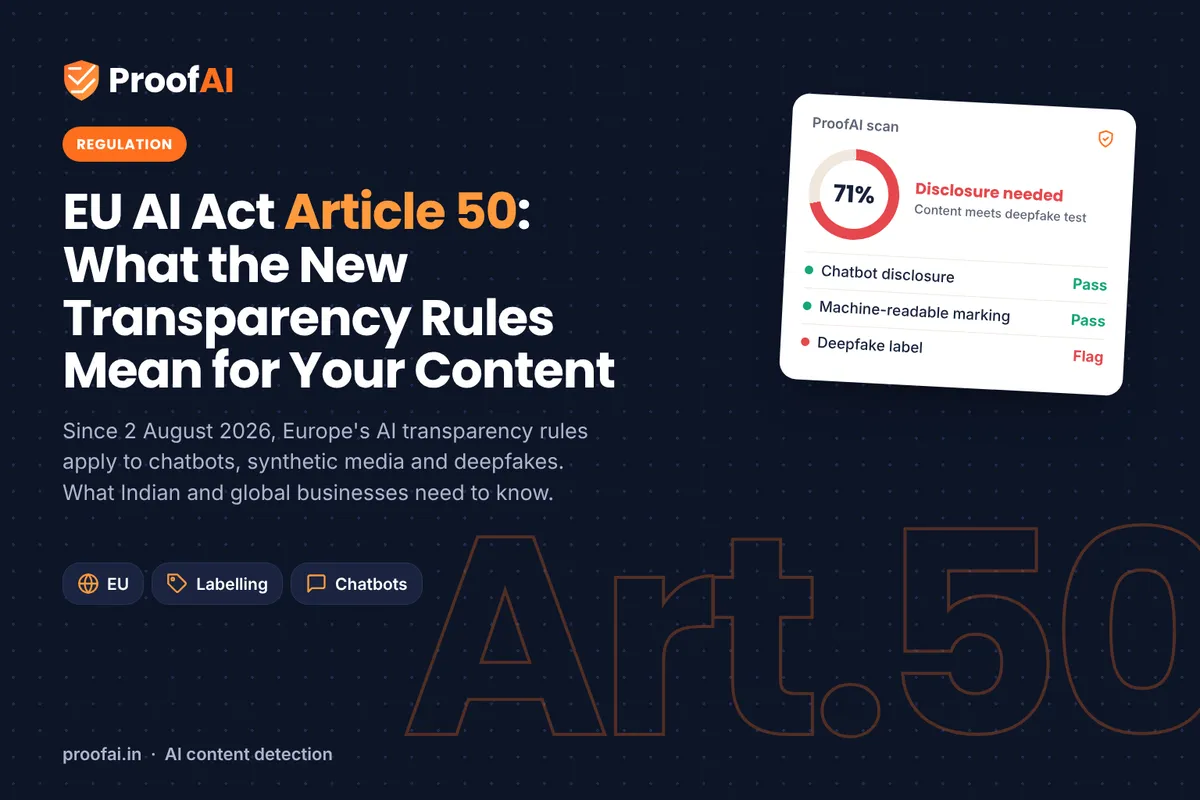
EU AI Act Article 50: AI Transparency Rules Explained
Article 50 of the EU AI Act has applied since 2 August 2026. What it requires for chatbots, AI content and deepfakes, and the 2 December 2026 deadline.
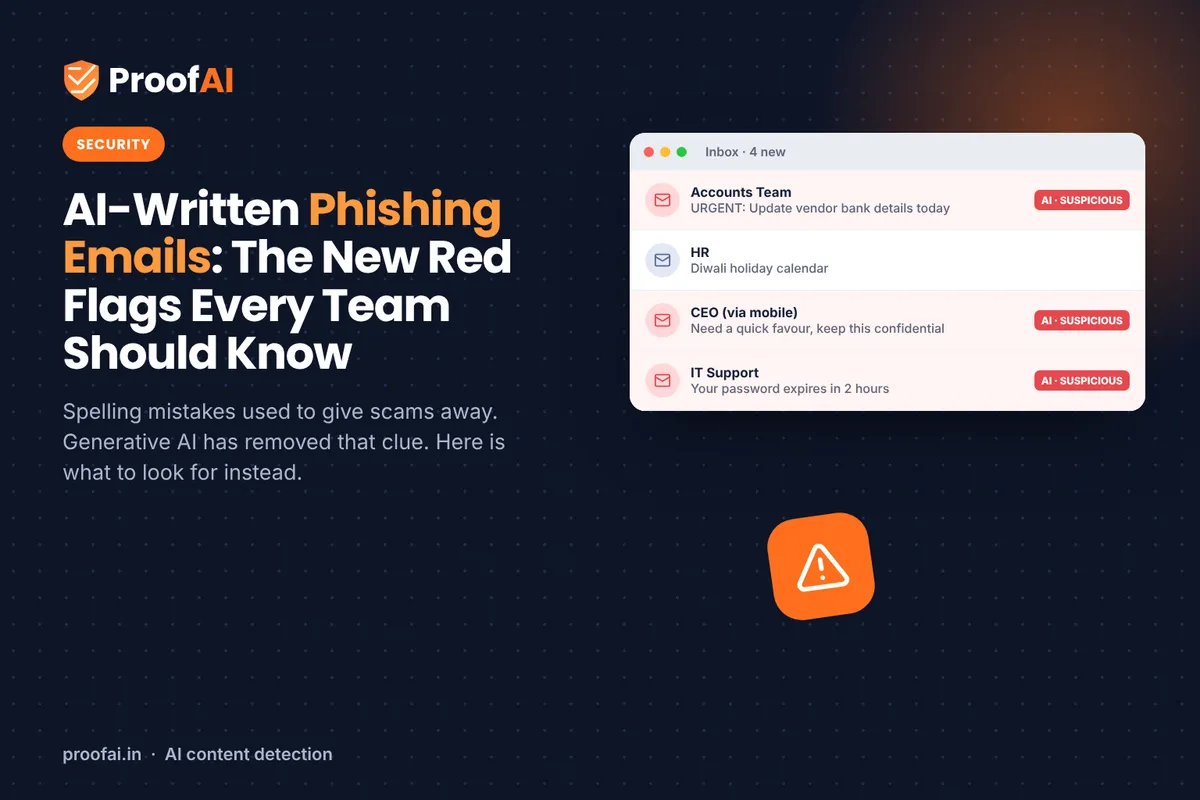
AI-Written Phishing Emails: New Red Flags for Teams
Spelling mistakes no longer give phishing away. What research and the FBI say about AI-written scams, and the checks that still work for your team.
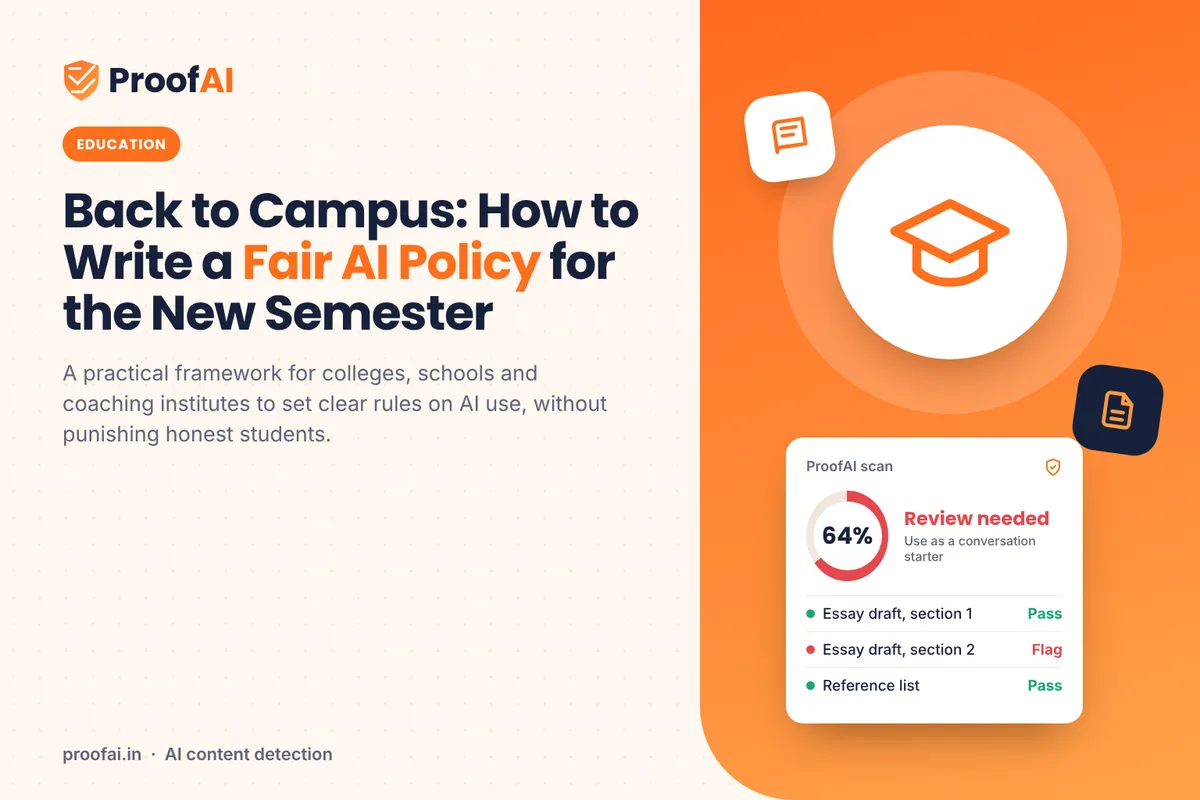
How to Write a Fair AI Policy for the New Semester
A practical guide for colleges and schools: AI use zones, disclosure, using detectors fairly, and a review process for flagged work. Includes a template.
Start Verifying Digital Authenticity in Real Time
Use ProofAI to check text, documents and images for AI in one workspace. AI video detection is coming soon.