AI Checker for PDF & Word Documents
Use this AI detector for PDF and Word files: upload a PDF, DOCX, DOC or TXT file and get an AI-likelihood score with the passages that drove it. No copy-pasting, no login for 10 checks a day. The PDF needs selectable text, so scanned image-only PDFs won't work.
AI Document Verification Workspace
Upload Document for Analysis
Upload PDF, DOCX, or text files to analyze AI-generated writing patterns and document authenticity signals.
Analysis Summary
Forensic verification overview
How to Read This Result
Upload a PDF or DOCX file and click verify. You will see an AI probability, a category and passage highlights.
How Document Verification Works
Secure Upload
Upload PDF, DOCX, or text files through encrypted processing infrastructure.
Structural & Linguistic Analysis
ProofAI analyzes writing patterns, formatting consistency, and AI-generated content indicators across the document.
Confidence-Based Reporting
Receive transparent authenticity scores and AI verification insights in real time.
Review the Results
Read the AI and human probabilities and the highlighted passages, then review flagged sections with the author or continue through the API.
Privacy-Focused Document Verification
Your text and files are used only to produce your result and are not saved by ProofAI. To analyse them we send them to AI model providers listed in our privacy policy. We keep a record of each check (date, type and score, not your content); signed-in users see it in their history. Uploaded files are deleted after analysis.
Files Deleted After Analysis
Documents are processed in memory or temporary files and deleted once the analysis is done. We keep a record of each check (date, type and score), not the document.
Encrypted in Transit
Traffic between your browser and ProofAI is encrypted with HTTPS/TLS via Cloudflare.
AI Model Providers
To analyse your content we send it to the AI model providers listed in our privacy policy.
AI document detector for DOCX, PDF and text files
ProofAI’s AI document detector checks whole files for AI-generated writing. Upload a DOCX, DOC, PDF or TXT file up to 25 MB and get an AI probability, a human probability and a passage-level view of which sections read as machine-written. There is no need to copy text out of the document or fix broken formatting first.
It is designed for reviewing documents you receive from someone else: assignments and theses, job applications, reports, proposals, articles and contributor drafts.
DOCX AI detector: check Word documents
Word files are the most common format for essays, assignments, cover letters and articles. Upload the original .docx (or older .doc) file and ProofAI reads the body text directly. Headers, tables and reference lists carry little writing signal, so the analysis is driven by the paragraphs of continuous prose.
Tip: if a legacy .doc file does not upload correctly, open it in Word or Google Docs, save it as .docx or PDF, and upload it again.
AI detector for PDF: check PDFs without copying text
PDFs are how finished work is usually shared: exported reports, research papers, theses and resumes. ProofAI extracts the text from the PDF and analyses it like any other document. Use the upload box at the top of this page: no copy-pasting needed.
PDFs need selectable text. A scanned document that is only an image of each page may contain no text to analyse; in that case copy or type the text into the AI text detector.
Checking Google Docs for AI
To check a Google Doc, open it and choose File → Download → Microsoft Word (.docx) or PDF document (.pdf), then upload the downloaded file here. You can also copy the text and paste it into the AI text detector. Google Docs version history is a useful extra signal: a document written over many sessions looks very different from one pasted in all at once.
Supported formats and limits
| Format | Accepted | Notes |
|---|---|---|
| DOCX / DOC | Yes | Original Word files; save older .doc files as .docx if they fail. |
| Yes | Must contain selectable text; scanned image-only PDFs may not work. | |
| TXT | Yes | Plain text exports and transcripts. |
| Google Docs | Via download | Download as .docx or .pdf, then upload. |
| File size | Up to 25 MB | Same limit for every document type. |
| Minimum length | About 50 words | Longer continuous prose gives more reliable results. |
Where document AI detection helps
Assignments and theses
Check student submissions as handed in. See the AI essay checker and our education guide.
Resumes and cover letters
Screen application documents for AI-written sections. See the AI resume detector.
Reports and proposals
Review business documents, vendor proposals and research summaries where authorship matters.
Articles and manuscripts
Check contributor drafts before editing or publication. See publishing verification.
Accuracy and responsible use
Document detection uses the same models as text detection, so the same limits apply: results are probabilities, short or formulaic documents are harder to judge, and writing by non-native English speakers is more often misclassified by AI detectors in general. Treat the score as one signal, look at the highlighted passages and, for important decisions, talk to the author and look at drafts or version history.
Frequently Asked Questions
Upload the .docx or .doc file in the upload box at the top of this page and click Start Verification. ProofAI reads the text and returns an AI probability, a human probability and highlighted passages.
Yes. Upload the PDF in the box at the top of this page. The PDF needs selectable text; scanned image-only PDFs may not contain text to analyse.
Yes. Upload the file directly and ProofAI reads the text from it.
Scanned pages are images, not text. Run OCR first, or upload the original Word file.
Download it as .docx or .pdf (File → Download) and upload the file, or paste the text into the AI text detector.
DOCX, DOC, PDF and TXT files up to 25 MB.
Yes. You get 10 free scans per day without signing up and 25 per day with a free account. See pricing for higher limits.
Files are used only to produce your result and are not saved by ProofAI; they are sent to the AI model providers listed in our privacy policy to analyse them. Signed-in users keep the score and verdict (not the document) in their history.
Not yet. Results are shown on screen; signed-in users can see past checks in their dashboard usage history.
Results are probabilities. Longer documents with continuous prose are most reliable; short, formulaic or heavily edited documents are harder. Never use a single score as the only evidence.
Related tools and guides
Last updated: 10 October 2026
From the blog
All articles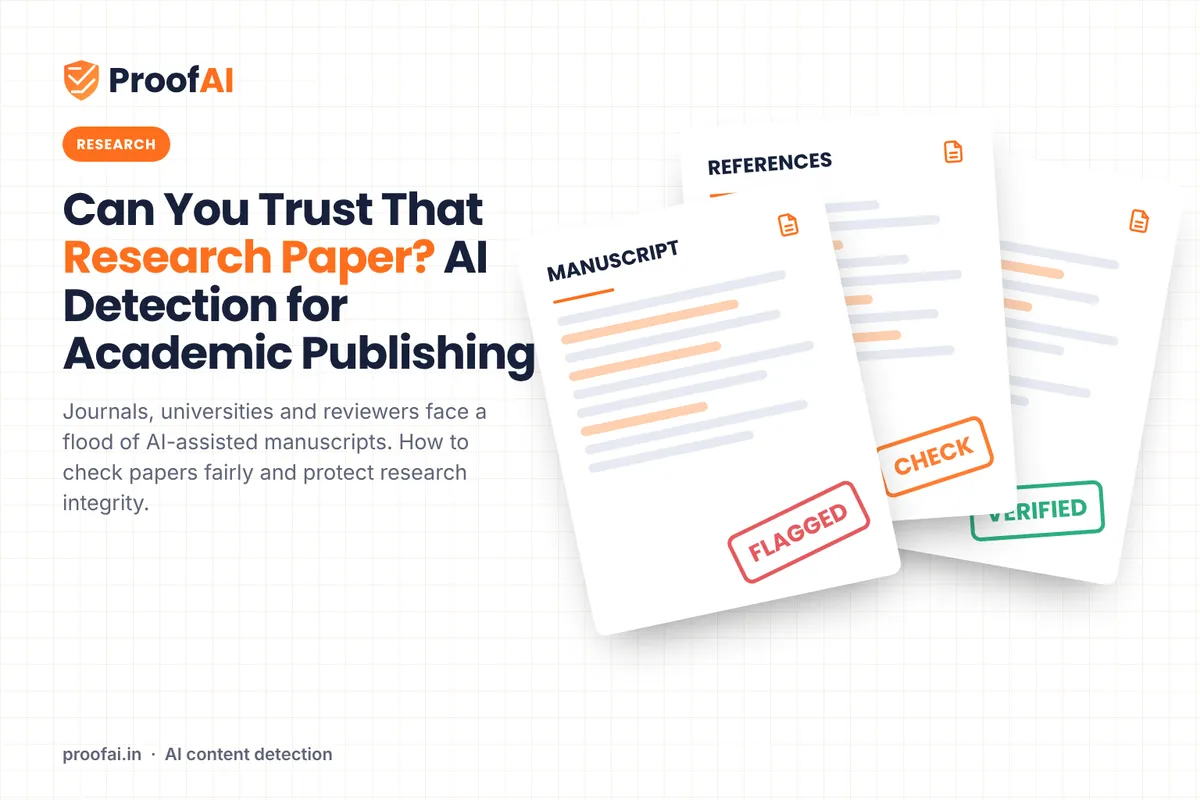
AI Detection in Academic Publishing and Peer Review
How much research writing now involves AI, what COPE and ICMJE require, and how editors can screen manuscripts fairly without relying on a detector alone.
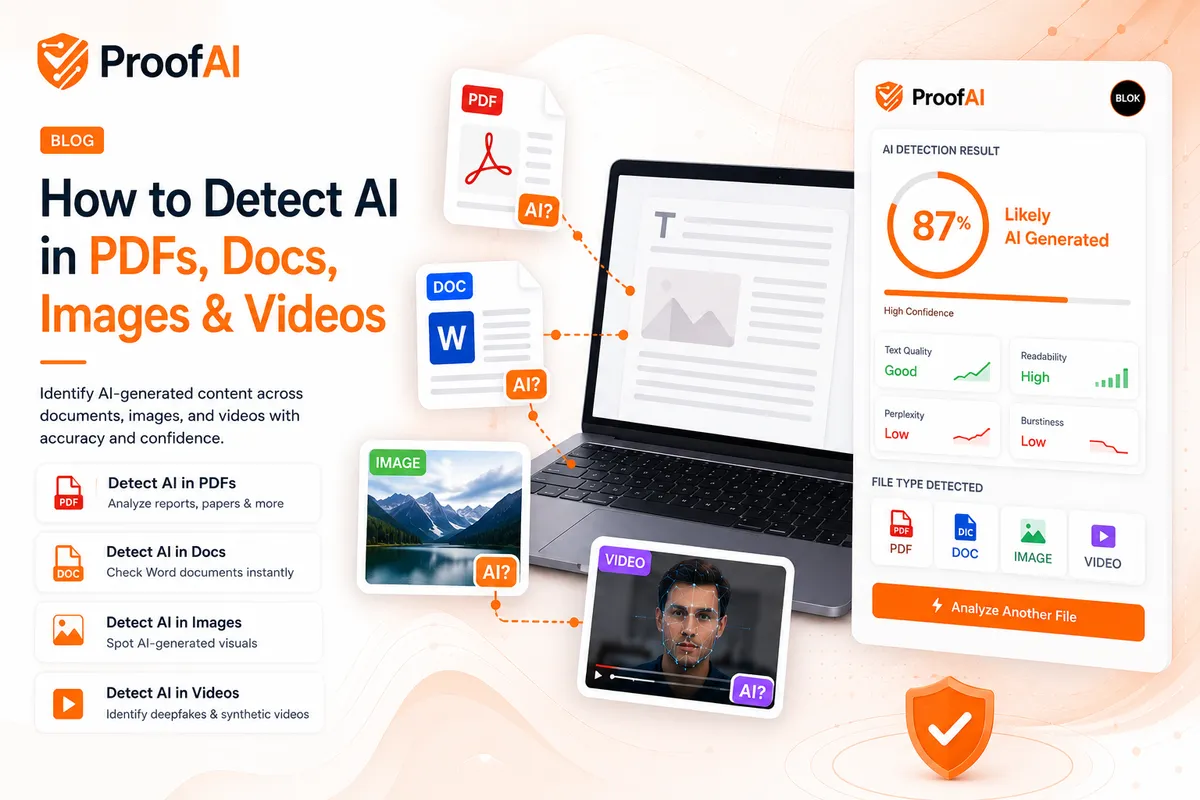
How to Detect AI in PDFs, Docs, Images and Videos
Practical checks for AI-generated PDFs, Word files, images and videos: what tools can do, what provenance data shows, and what still needs a human.
Verify Document Authenticity with Confidence
Use ProofAI to analyze AI-generated documents, structural inconsistencies, and authenticity signals across PDF, DOCX, and text-based workflows.